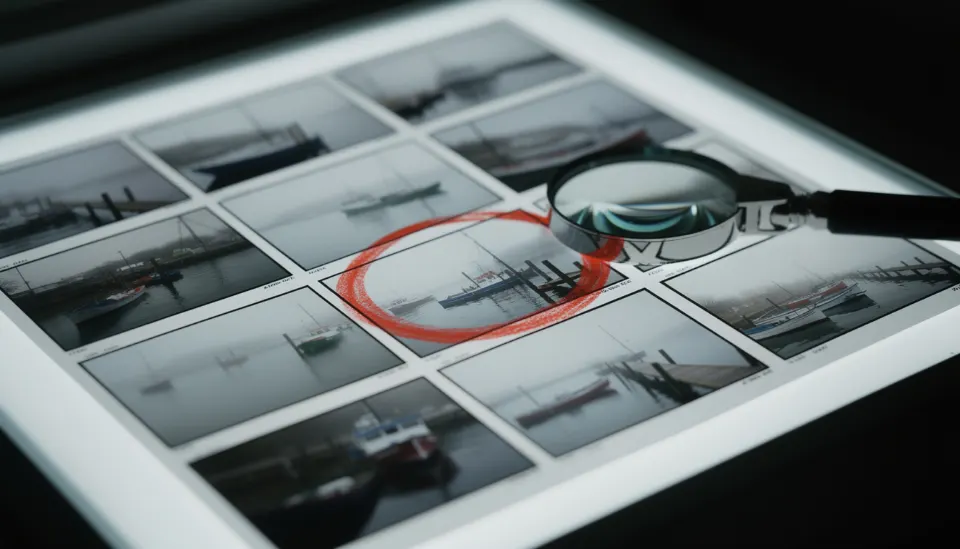

Build the set. Place the camera. Take the picture.
Stage is a simple 3D set that runs in your browser. No download, no account. Every picture you take becomes a storyboard frame for that shot.
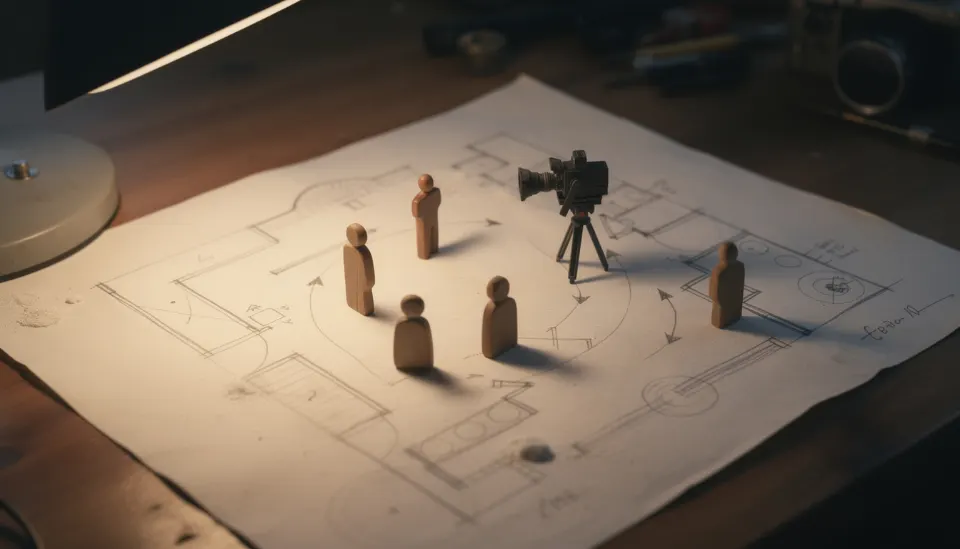
How it works
Pick a scene
Stage keeps one set per scene of your script.
Add people and props
People come from your Bible. Drag them on the floor and turn them to face each other.
Place the camera
Drag the camera, or set pan, tilt and height. “Aim at selected” points it at a person.
Choose a lens and the light
The right screen shows what the lens sees, from 18 to 135mm, at dawn, day, dusk or night. Add a place photo as the backdrop.
Take the picture
It becomes the shot's storyboard frame. Open Shoot, then Storyboard, to see the sequence and print it.
Stage needs a browser with 3D (WebGL): any recent Chrome, Edge, Firefox or Safari. On a phone it works, but a laptop is easier. If 3D isn't available, Stage tells you, and you can still add real photos as storyboard frames.
Real photos work too
Scouting a real place? In Storyboard, press “Add photo” on any shot and use your phone's camera or a picture you already have. SEEN shrinks it and keeps it with the shot.