
How to Write Camera Prompts for AI Video Tools
Video tools read your prompt in a rush and grab what comes first. Put the camera at the front, keep it short and ask for one thing at a time.
Put camera words first
Start with size, angle and move. Then the subject. Then the place and light.
"Close-up, eye level, slow push in, NORA..." is clearer than a long scene description that ends with a camera note.
Ask for one move per shot
One push in. One pan. One track. Two or three moves in one prompt often give you a wobbly camera that does none of them well.
If you need two moves, make two shots and cut.
Name the lens and the effect
Write the focal length, then say what it does. "85mm lens, soft background." "24mm lens, deep space."
The words about the effect help when a tool ignores the number.
Use the same character words
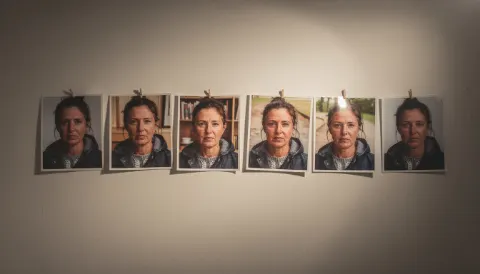
Copy your locked description from Plan. Do not paraphrase. The camera part changes per shot, the person part does not.
Add reference images
If the tool accepts images, add the locked look of each person and a picture of the place. A storyboard frame from Stage can show the framing.
Stay under 60 words
Long prompts bury the important parts. Cut adjectives that do not change the picture.
Camera builds the camera part for you, so you only add what is in front of the lens.
Three Low Tide examples
Each one follows the same order: camera, subject, action, place, light.
- Extreme wide shot, high angle, static camera, 24mm lens. A small figure in a yellow oilskin walks along a stone harbour wall. Thick fog over still grey water. Cold dawn light.
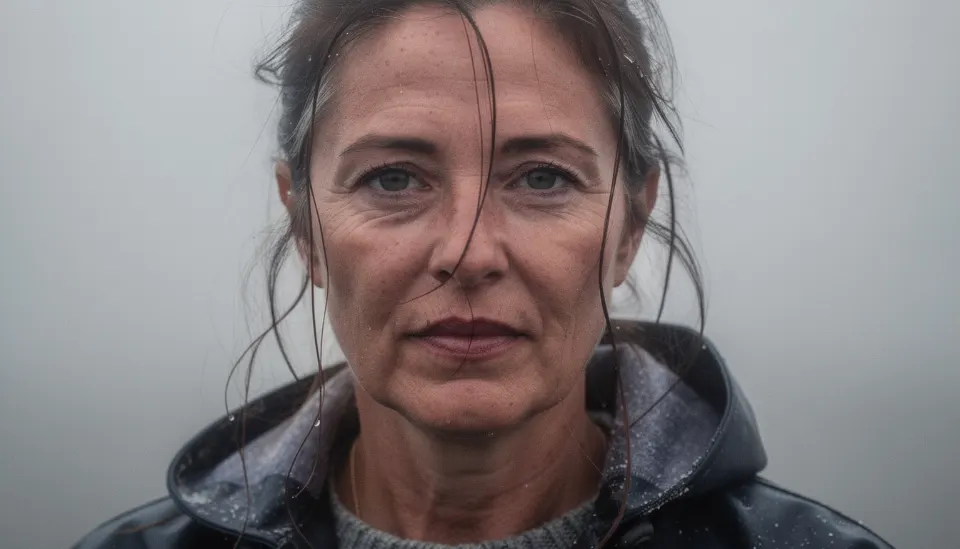
- Close-up, eye level, slow push in, 85mm lens, soft background. A woman in her 40s with grey-streaked dark hair stares at an empty mooring rope. Fog behind her. Pale morning light.
- Medium shot, low angle, slow pan left, 35mm lens. An old lighthouse keeper in a wool cap climbs the last iron stairs toward a brass lamp. Night. Warm lamp glow, blue shadows.
Log what you sent
Paste the exact prompt into the take in Shoot, with the tool name. When a prompt works, you can reuse its shape for the next shot.
Free, in your browser, nothing to install.
Questions
Why does the tool ignore my camera move?
Often the move is buried at the end or mixed with other moves. Put it first, ask for one move, and say how fast.
Should I use character names in prompts?
The tool does not know who NORA is. Describe the person in plain words and add reference images. Keep the name for your own notes.
Does the same prompt work in every tool?
Not exactly. Each tool reads prompts in its own way. Start from the same prompt, then note in the take log what you changed for each tool.